
Collage Maker
Combine multiple images into one collage — free, private, 100% browser-based.
Select images or drop them here
JPG · PNG · WebP · GIF · HEIC · max 200 MB · 2 – 16 images
How To Make a Photo Collage
1
Step 1
Upload images to be merged and select your preferred collage template from the preset template list.
2
Step 2
Choose output canvas size, set canvas background (color or image), adjust border, spacing, corner radius and other parameters as needed.
3
Step 3
Drag image positions, set rotation angles to complete the merge, select output format, and click "Download Merged Image" to download your collage.
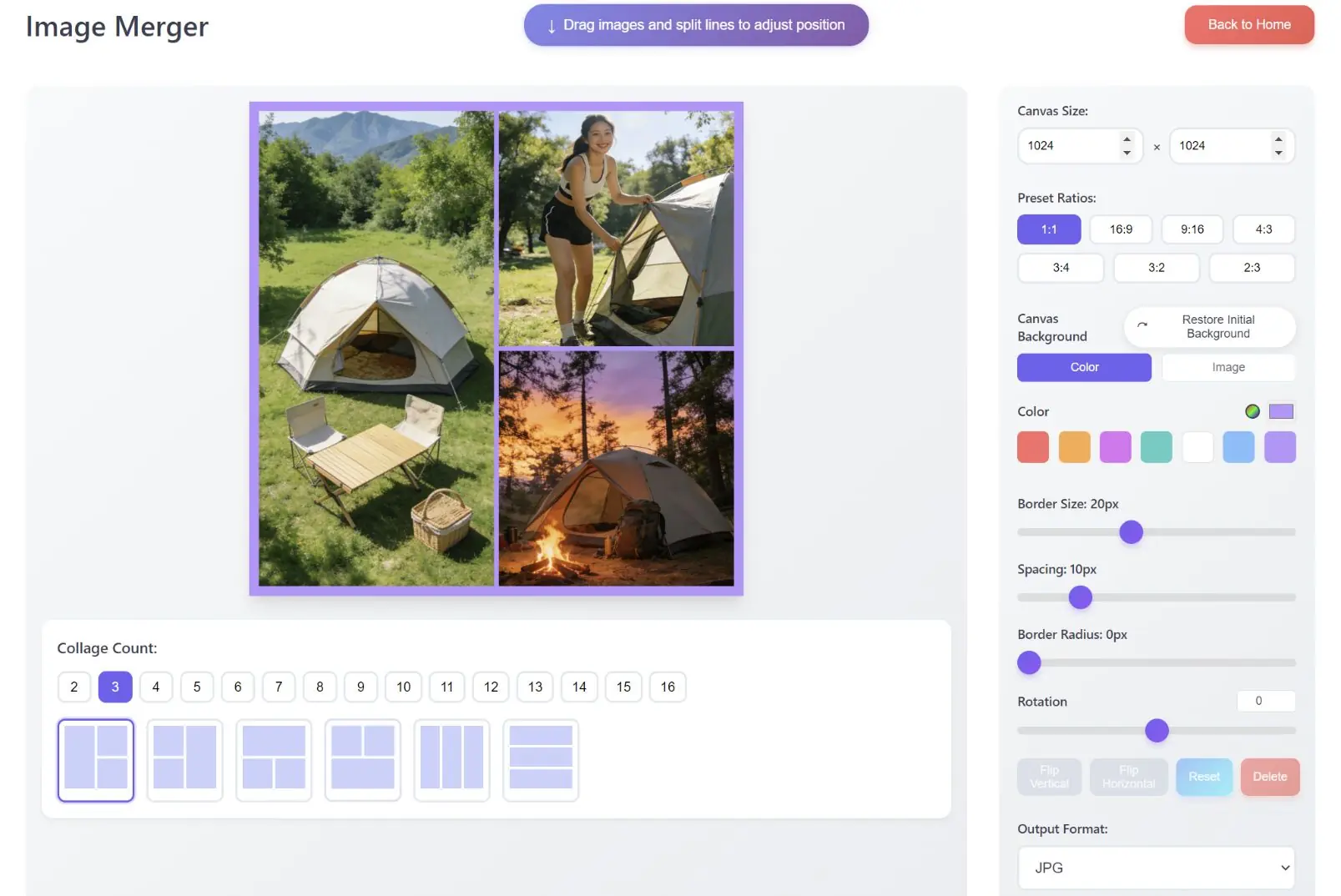
Image Compression & Cropping
Original Image
After Compression
Width
Height
🔒
Processing images...
Add Watermark
Collage Maker
×
Color
Preset Gradients
From:
To:
Loading images...
Document to Image
Original File
Click to select file
Supports PDF, PPT, Word formats
After Conversion
Converted images will display here
Page -
Page
Processing...
Image to Document
Converting...
Processing...